

Your mind matters
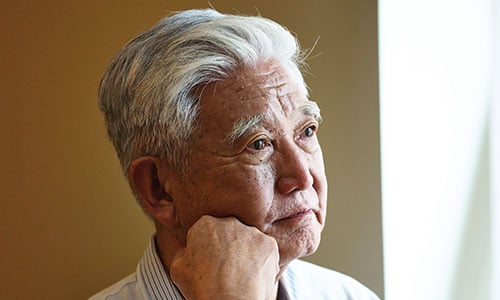
It's not just our physical health we need to take care of. Making sure we're feeling mentally and emotionally well is just as important.
Free to call 8am – 7pm 365 days a year
Get a free weekly friendship call. We'll match you with one of our volunteers. Our service is flexible to suit the different needs of everyone who takes part.
Why do we value old objects over older people? Age UK is here to change how we age.
Here's how, with your support, Age UK is supporting older people through the cost of living crisis.
A range of products to help you make the most of later life are available through Age UK Trading, with profits given to the charity.
We've brought together information and advice on a range of topics related to looking after your health and wellbeing as you get older – from tips on how to get active to dealing with health services and hospitals.
It's not just our physical health we need to take care of. Making sure we're feeling mentally and emotionally well is just as important.
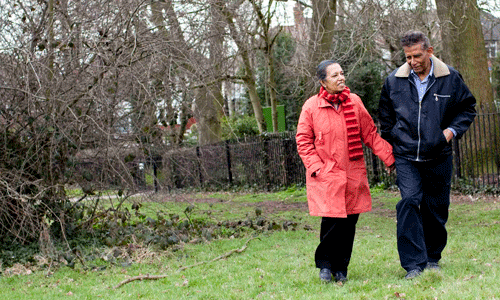
It's a myth that getting older means an end to being active. We can help you to keep moving, whatever your age.

Your GP doesn't always need to be your first point of contact when you feel unwell. There are other services that can help.
 We're here to help
We offer support through our free advice line on 0800 678 1602. Lines are open 8am-7pm, 365 days a year. We also have specialist advisers at over 120 local Age UKs.