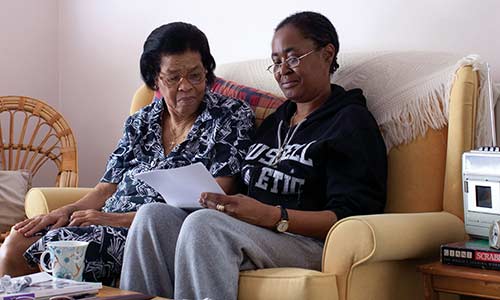
Attendance Allowance
Support for if you're over State Pension age and need help with personal care because of an illness or disability.
Each year, billions of pounds of benefits go unclaimed. We can help make sure you're not missing out.
 Are you entitled to extra money?
Do you know what benefits you're entitled to? Our online benefits calculator can help you quickly and easily find out what you could be claiming.
Support for if you're over State Pension age and need help with personal care because of an illness or disability.

If you're over State Pension age and have a low income, Pension Credit could help you make ends meet.

If you're on a low income or receive certain benefits, you can get help paying your Council Tax bill.

The State Pension is a regular payment made to you by the government once you reach State Pension age.
 Search for a grant
You could be missing out on money which you never have to pay back. Use the Turn2us Grants Search tool to search for grants you might be eligible to apply for.
You can call our free Advice Line on 0800 678 1602, open 8am-7pm, 365 days a year. We also have specialist advisers at over 120 local Age UKs.
If you're experiencing a medical emergency or need urgent mental or physical health support, please call 999 or NHS 111.
Free interpreted calls are available through our partner Wordskii. Visit their website and choose your language to find the best number to call.
 Sign up for our email newsletter
Receive monthly information and advice updates straight to your inbox.