


Keeping warm and well this winter
Keeping warm and well during the winter period is even more important as we get older, but there are things you can do to prepare yourself and your home.
Free to call 8am – 7pm 365 days a year
Get a free weekly friendship call. We'll match you with one of our volunteers. Our service is flexible to suit the different needs of everyone who takes part.
Why do we value old objects over older people? Age UK is here to change how we age.
Here's how, with your support, Age UK is supporting older people through the cost of living crisis.
A range of products to help you make the most of later life are available through Age UK Trading, with profits given to the charity.
We've brought together a selection of cold weather advice to help you stay warm and healthy throughout the winter months – whether you need tips on looking after your mental health, information on where to get support with your energy bills or advice on keeping warm in winter.
Keeping warm and well during the winter period is even more important as we get older, but there are things you can do to prepare yourself and your home.
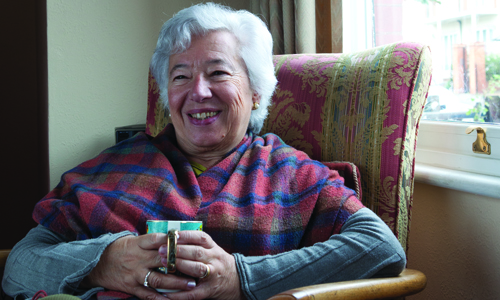
Cold weather and being indoors more mean illnesses spread more easily, but there are things you can do to protect yourself and stay well.

Spending more time at home this winter could mean higher bills. Check you're getting all the support you’re entitled to.

You can get the flu jab from your doctor or a local pharmacy, It’s free for everyone over 65 as well as carers and frontline workers.

There are lots of things you can do to keep your spirits up this winter. There’s also support available if you need it.
It's important to get both your coronavirus booster and your flu jab. We have specific information about each vaccine.
As well as getting your booster jab, there are lots of things you can do to stay well this winter. Here are some of our top tips.

This guide has lots of useful information to help you stay well through winter, from what support is available to keep your home warm to how to look after your health.
 We're here to help
We offer support through our free advice line on 0800 678 1602. Lines are open 8am-7pm, 365 days a year. We also have specialist advisers at over 120 local Age UKs.
The development of this information was supported by an educational grant from Seqirus.